
Touch Input Around a 0.78-Inch OLED on a Vending Machine Front
A vending machine front is a hostile place for touch: gloved hands, quick taps, outdoor grime and constant wiping. A 0.78-inch monochrome OLED with a 128x80 resolution and an SPI interface is a clear readout, but it is not itself a touch surface, so any input must be engineered around it. The realistic choices are a resistive or capacitive overlay, an external keypad, or keeping the screen as a pure readout. For a vending environment the glove and contamination behaviour usually decides the answer before the smoothness does.
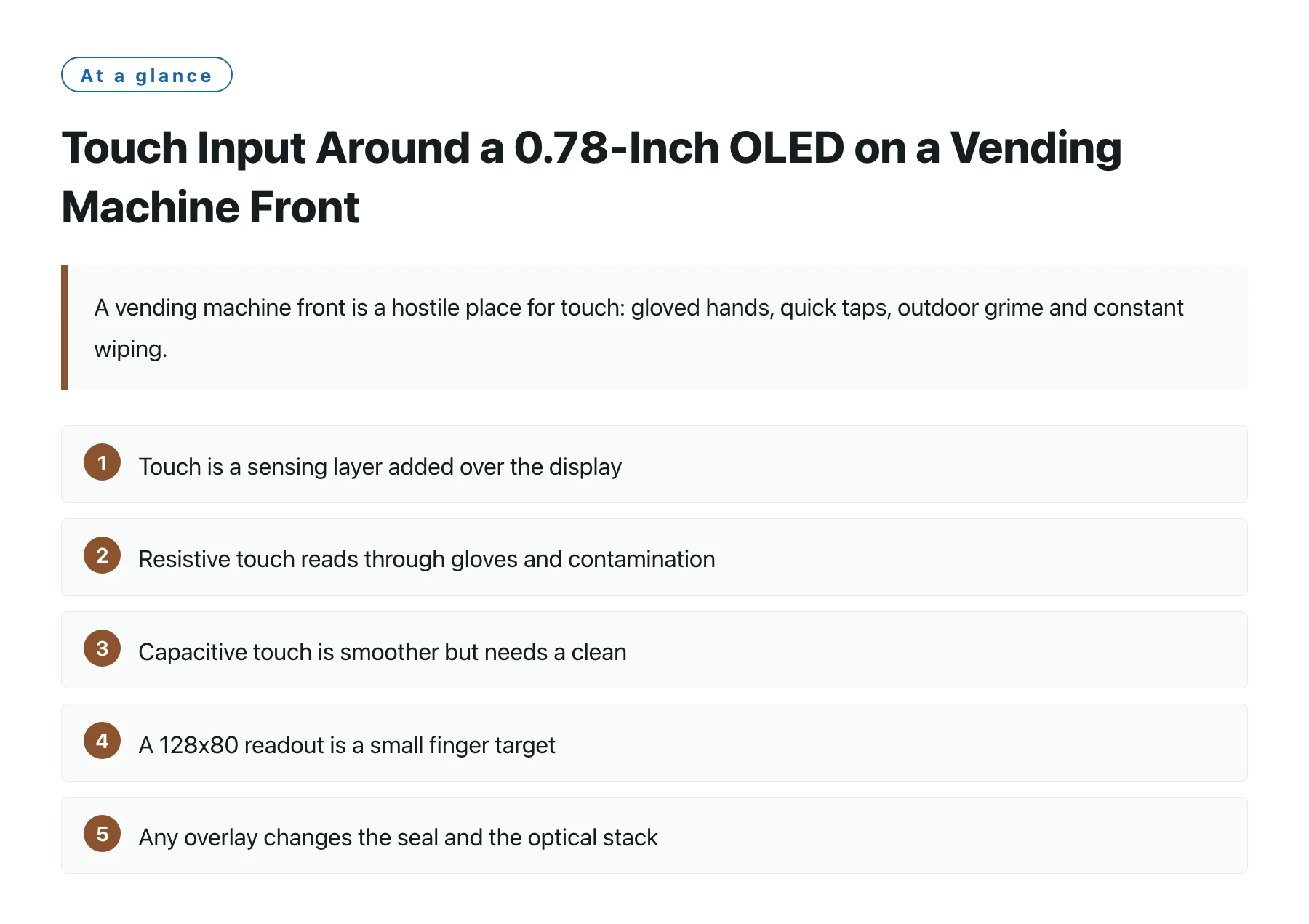
Key takeawaysTouch is a sensing layer added over the display, not an attribute of the OLED panel [1]. · Resistive touch reads through gloves and contamination, which suits outdoor and gloved vending use [2]. · Capacitive touch is smoother but needs a clean, bare finger and a well-grounded surface to read reliably. · A 128x80 readout is a small finger target, so physical keys often beat touch for precise selection. · Any overlay changes the seal and the optical stack, which interacts with the machine's weatherproofing.
Vending machines are used by everyone, in every condition, with little patience. That profile makes input design a robustness problem first and a usability problem second. A small graphic OLED is easy to read, but reading is not selecting, and the selection method has to survive the real world.
Because the panel is not a touch device, the engineer decides whether to add a touch layer at all. For a 128x80 screen the area is small for fingers, which is why many vending designs keep the display as a readout and put selection on a keypad or a few buttons. That is often the more reliable answer.
This article covers the three routes, the glove and grime trade-offs, and why, on a vending front, the environment usually picks the technology for you.
Why gloves and grime favour resistive
A resistive overlay senses pressure, so a gloved finger, a stylus or a fingernail all work, and a lightly contaminated surface still registers. On a vending front that sees weather and handling, that tolerance is the difference between a working machine and a dead touch.
A capacitive overlay senses body capacitance and rewards a clean bare finger with a smooth feel, but it struggles through gloves and demands a clean, well-grounded front. In a vending setting those conditions are the exception, not the rule.
The trade is clear: resistive gives robustness at the cost of a slightly less premium feel, while capacitive gives feel at the cost of environmental fragility. For most vending fronts, robustness wins.
Touch options against vending reality
| Method | Gloves | Grime | Small-area precision |
|---|---|---|---|
| Resistive overlay | Works | Tolerant | Needs stylus for fine |
| Capacitive overlay | Poor | Needs clean | Good but target small |
| Keypad or buttons | Works | Unaffected | High, dedicated keys |
| Readout only | N/A | N/A | N/A, input elsewhere |
The overlay is also a sealing problem
Any touch sheet in front of the OLED is an extra optical and sealing layer. It slightly changes contrast and reflection, and it must be integrated with the machine's weatherproof front so that rain and wiping do not reach the electronics.
This is why the touch decision is a front-panel engineering task, not a panel selection. The DisplayModule module is the readout engine; the touch and the seal are built around it by the machine designer.
For many vending UIs the cleanest solution is a readout plus a rugged keypad, which avoids the overlay entirely and keeps the optical and sealing design simple.
A detail that affects both touch and readout is the front-surface material. A vending front is wiped constantly and sometimes struck, so the covering lens has to be hard enough to resist scratches and sealed well enough to keep moisture out of the optical path. Adding a touch layer means that lens also carries the sensing, and a cracked or poorly bonded front will take the input and the display down together. Designing the lens, the bond and the seal as one validated stack, then confirming it survives the machine's rated ingress and the abuse of a public location, is what keeps the whole front reliable. Skipping that validation to save a few weeks invariably costs more in field returns than the testing would have.
The readout and the input should also be laid out so the most common actions are the easiest targets, because a small screen and a hurried user are a poor combination for precise touch; a clear label and a generous hit area prevent most mis-taps without any extra hardware.
On a vending front, let the gloves and the grime pick the technology. Resistive or a keypad usually beats capacitive, and no touch at all is often the most reliable readout.
Sources
Frequently asked questions
Can this OLED be bought as a touchscreen?
The module is a graphic readout; touch would be an overlay you add to the front panel. The panel itself is not a touch device.
Why is resistive better for vending?
It reads through gloves and tolerates contamination, which matches how vending machines are actually used outdoors and in a hurry.
Would capacitive ever be right here?
Only on an indoor, clean, bare-finger installation where smoothness matters more than robustness. That is a narrow slice of vending.
Why might I skip touch?
At 128x80 the area is a poor finger target, and a keypad gives precise, gloved, weatherproof input without disturbing the display's optics or seal.